
Zerodha Setup
To trade with Zerodha using the APIBridge desktop application, follow the steps given below:
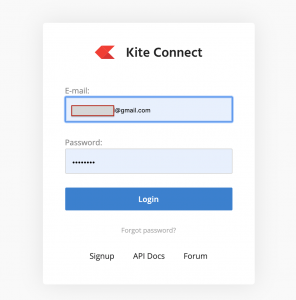
1) Make a account / Login to Zerodha Developer https://developers.kite.trade/
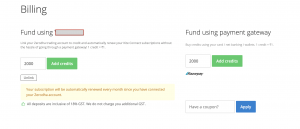
2) Link your Kite account / add funds from credit card to fund 2000 credits in your Zerodha developer account. (This is the monthly fee charged by Zerodha for trading API)
3) Click on “Create new app”. Create an app named algoji
- App Name: algoji
- Redirect url: https://kite.trade
- Client ID: Your Zerodha Client ID
- You can leave other fields blank
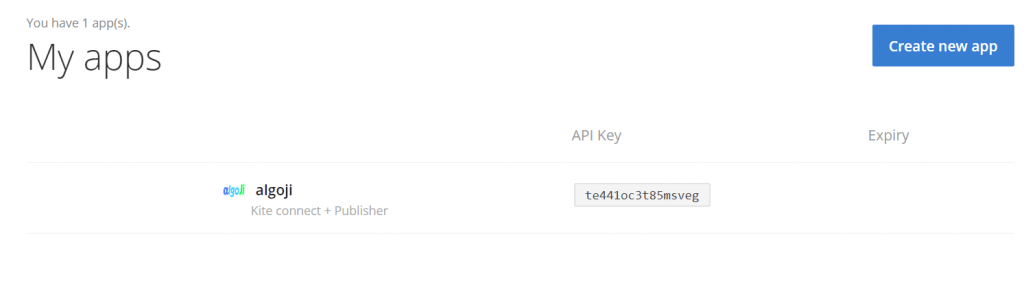
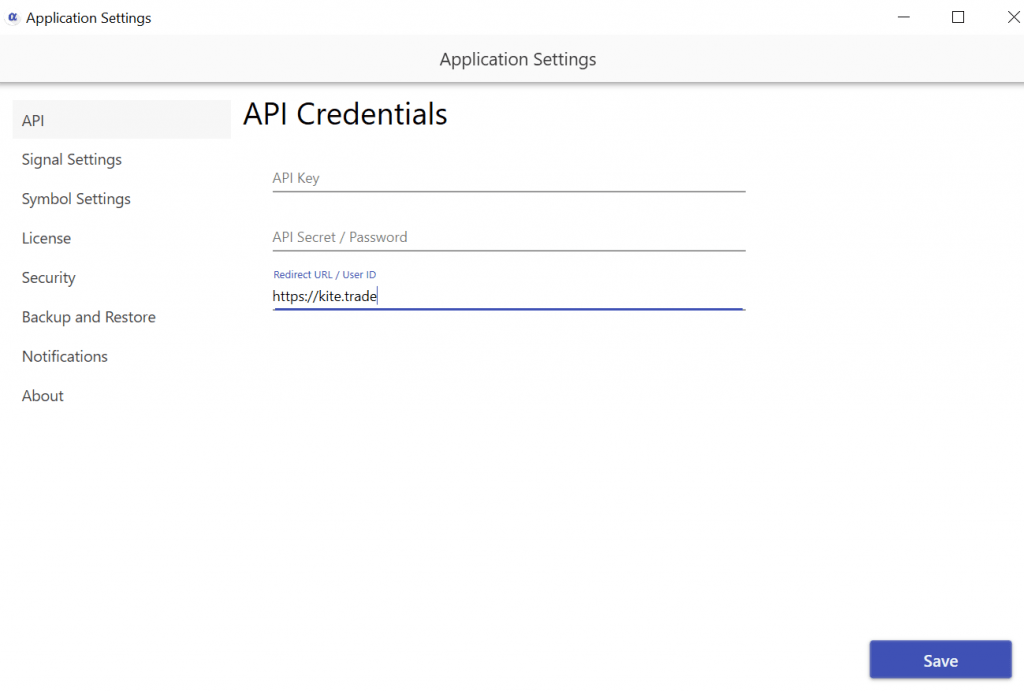
After creating the algoji app, note carefully the API Key, API Secret and Redirect url on a notepad on your computer. Now login to API Bridge, and fill these details under Application Settings -> API Settings.
Zerodha API Features
| Cost p.m. | Auto Order Cancellation | Live M2M | SL Orders | CO | BO |
| Rs. 2000 | YES | YES | YES | YES | YES |
Last update: April 5, 2020. Zerodha API Connection is not available to new APIBridge users. Join our Telegram channel for all updates https://t.me/algoji